
How to Invoice as a Freelancer: The Complete Step-by-Step Guide
New to freelancing? This guide covers everything from your first invoice to payment terms, taxes, and follow-ups—so you get paid on time without awkward client conversations.

Learning how to invoice as a freelancer is one of the highest-leverage skills you will develop. A clear invoice protects your income, sets professional boundaries, and gives clients zero excuses to delay payment.
Before You Send Your First Freelancer Invoice
Gather these details once—you will reuse them on every invoice:
- Legal name or business name
- Address, email, and phone
- Tax ID, VAT number, or EIN (if applicable)
- Preferred payment methods (bank transfer, PayPal, Stripe, etc.)
- Default payment terms (Net 15, Net 30, due on receipt)
Set your payment terms in your contract before you start work—not when the invoice is already late.
What Every Freelancer Invoice Must Include
Your business details
Put your name and contact info at the top. Add a logo if you have one—it signals you are established.
Client billing information
Bill the legal entity that signed your contract. Wrong company name or address = delayed payment.
Invoice number and dates
Use sequential numbering: INV-2026-001, INV-2026-002. Include invoice date and due date.
Itemized work
Replace "consulting" with specifics:
- "Brand strategy workshop – 3 hours @ $150/hr"
- "Homepage UI design – final delivery + source files"
Total, tax, and currency
Show subtotal, tax line, discounts, and grand total in the client's expected currency.
Payment instructions
Tell them exactly how to pay. Ambiguity is the #1 cause of late freelance payments.
Hourly vs. Project-Based Freelance Invoicing
Hourly
List dates or periods, hours worked, rate, and line total. Attach timesheets for enterprise clients if required.
Fixed project
Break milestones into line items: deposit, phase 1, final delivery. Never invoice 100% upfront unless your contract allows it.
Ready to create professional invoices?
Get started in under 2 minutes. Pick a professional template, add your clients, and send your first invoice today. Free invoicing—no credit card required.
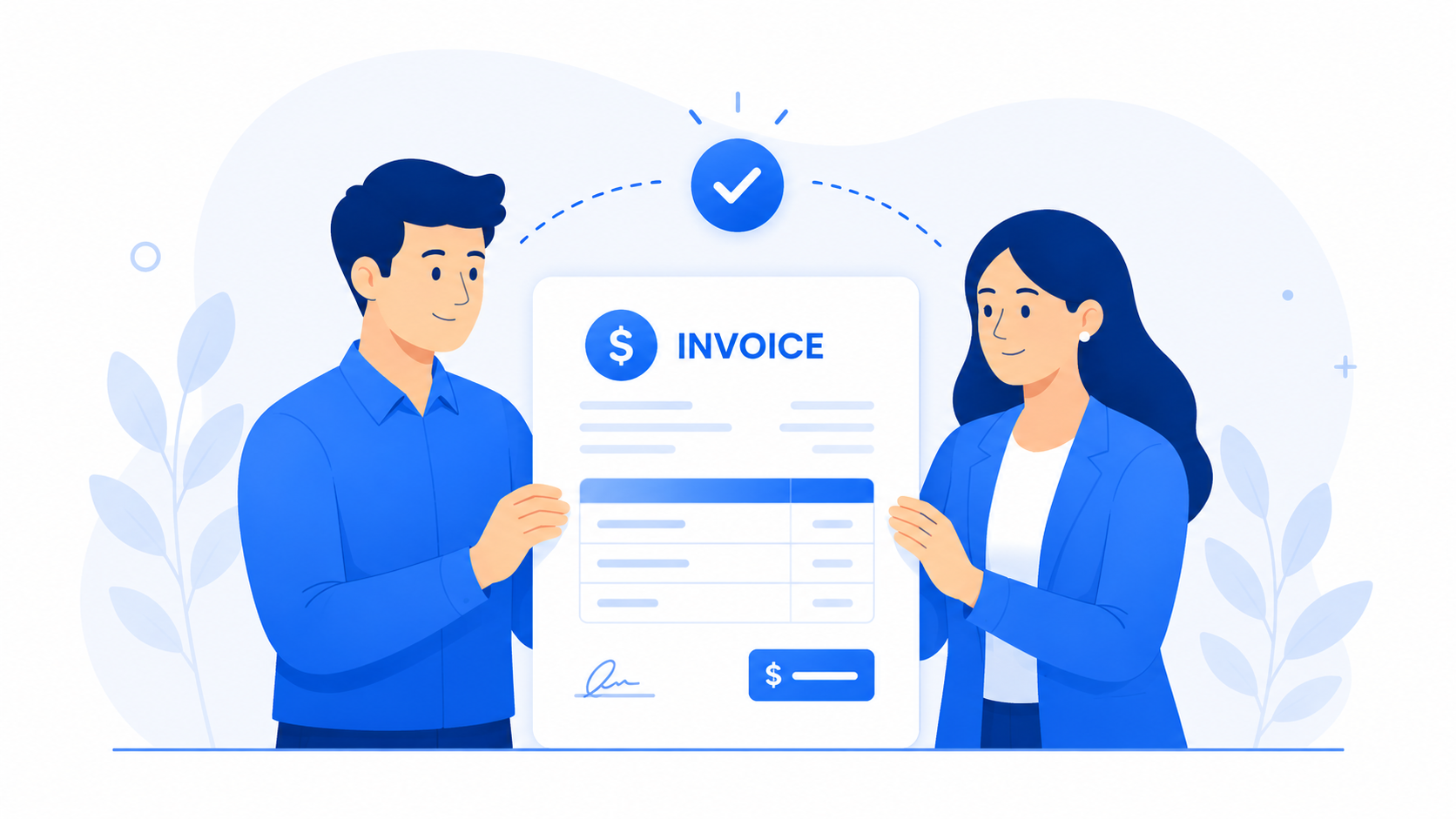
Professional templates
Payment Terms Freelancers Actually Use
- Due on receipt – best for small, fast projects
- Net 15 – common for retainers and agencies
- Net 30 – corporate default; negotiate down if cash flow is tight
- 50% deposit – standard for projects over $2,000
Clients do not pay late because they are evil—they pay late because your invoice was unclear or buried. Fix the document first.
Follow-Up Without Burning Bridges
- 1Friendly reminder 3 days before due date
- 2Polite nudge 2–3 days after due date
- 3Firm follow-up at 10–14 days; offer a call to resolve blockers
Taxes and Record Keeping
Every invoice is proof of income. Save PDFs, match payments in your bank account, and review quarterly. CrispInvoice keeps clients and invoices together so tax season is a export—not a scavenger hunt.
Start Invoicing Like a Pro Today
You do not need an accountant to send your first freelancer invoice. You need a repeatable system. CrispInvoice gives you templates, auto-filled clients, and PDF export—with free invoicing to get started.