
How to Create an Invoice PDF for Free (Professional, Print-Ready)
Need a print-ready invoice PDF today? Step-by-step guide to creating professional invoice PDFs free—with branding, line items, and formats clients expect.
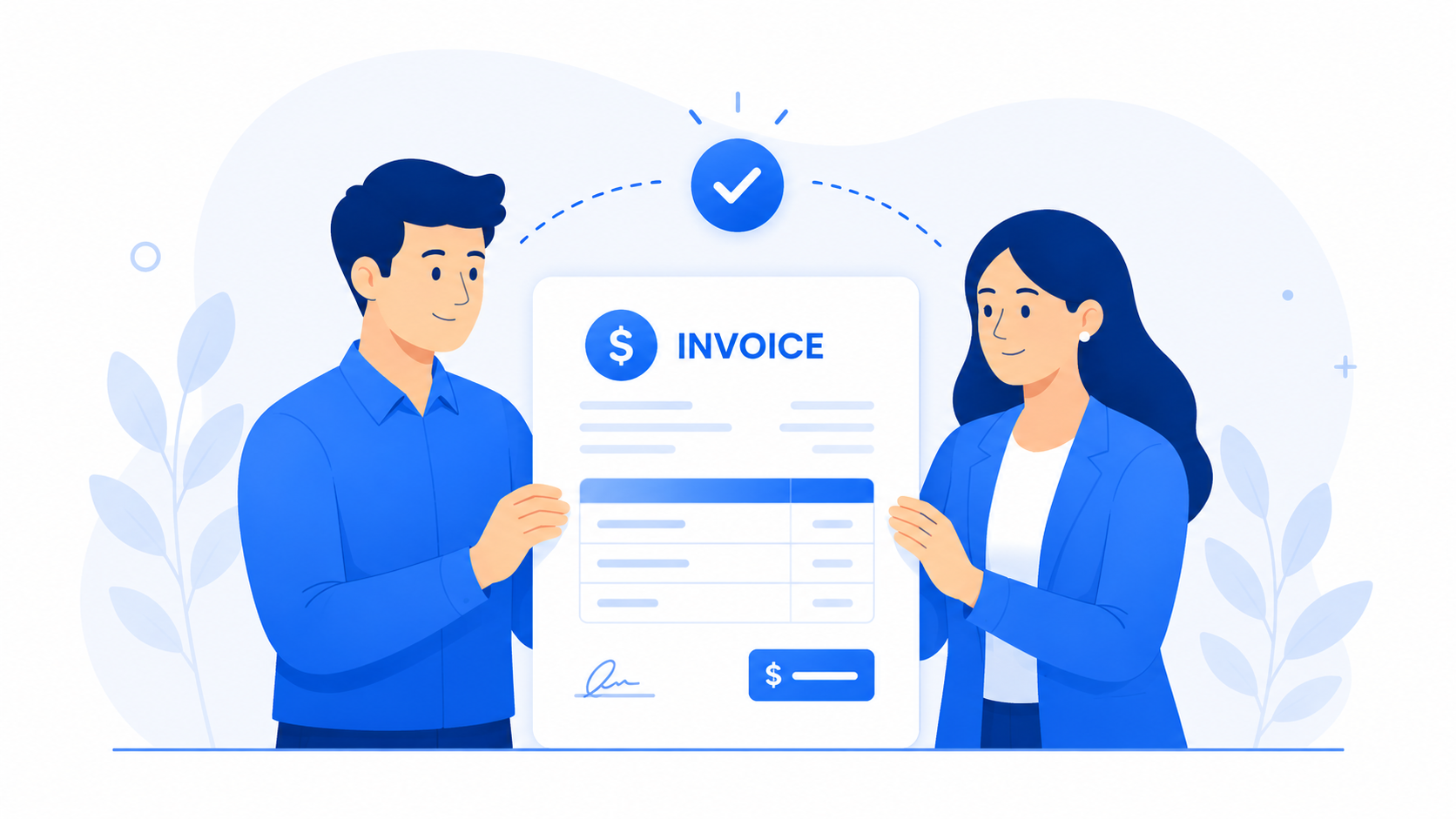
When you need to create an invoice PDF fast, quality still matters. A blurry screenshot or crooked Word export tells clients you cut corners—before they even read the total.
What Makes a Professional Invoice PDF?
- Sharp typography and aligned columns
- Your logo and brand colors (subtle, not noisy)
- Clear hierarchy: total and due date stand out
- One page when possible; two only if necessary
- Embedded fonts (no missing character glitches)
Free Ways to Create Invoice PDFs (Ranked)
1. Dedicated invoice software (best)
CrispInvoice → fill form → download PDF. Fastest path to consistent, numbered, reusable invoices.
2. Template + export
Google Docs or Word templates work once or twice; they fall apart at scale.
3. Design tools
Canva looks pretty but lacks numbering, client DB, and payment tracking.
"Print to PDF" from a browser preview is not the same as a proper export—margins and fonts often break.
Step-by-Step: Free Invoice PDF with CrispInvoice
- 1Create a free account
- 2Add company info and logo
- 3Select or add a client
- 4Enter line items, tax, and payment terms
- 5Choose a professional template that matches your brand
- 6Click download—your invoice PDF is ready
PDF Checklist Before You Email
- Invoice number and dates correct
- Client legal name and address verified
- Line items match contract or quote
- Tax calculated correctly
- Payment instructions visible
- File size under 2MB for email filters
Ready to create professional invoices?
Get started in under 2 minutes. Pick a professional template, add your clients, and send your first invoice today. Free invoicing—no credit card required.
Professional templates
Print vs Digital Delivery
Digital: email PDF attachment.
Print: use PDF at 100% scale; A4 or Letter depending on region.
Some clients still want postal mail—same PDF works.
Beyond the PDF
Tracking sent/paid status matters as much as the file itself. CrispInvoice gives you beautiful PDFs and a dashboard—so the PDF is not where your process ends.
A great PDF gets you paid once; a great system gets you paid on repeat.