
How to Invoice Hourly Work as a Freelancer (Rates, Timesheets & Templates)
Bill hourly without disputes. Learn how to structure hourly invoices, document time, set rates, and present line items clients approve on first read.

Hourly invoicing rewards transparency—but only if your documentation is bulletproof. Here is how freelancers and consultants bill time without write-offs or awkward revisions.
Set Your Hourly Rate Before the Project Starts
Factor in:
- Target annual income + taxes + benefits
- Non-billable hours (sales, admin, learning)
- Tool costs and software subscriptions
- Market rates for your niche and geography
Round to a clean number—$125/hr reads more confident than $118.47/hr.
What to Put on an Hourly Invoice
Each line should show:
- Date or date range
- Task description (specific, not vague)
- Hours worked
- Hourly rate
- Line total
Example:
"API integration debugging – Mar 10–12 – 6.5 hrs @ $140/hr – $910.00"
Timesheets: When Clients Require Them
Attach a simple timesheet PDF for enterprise clients. Columns: date, task, hours, notes. Match totals exactly to the invoice.
Minimum Billing Increments
Many freelancers bill in 15- or 30-minute increments. State this in your contract: "Time rounded up to nearest 15 minutes."
Retainers vs Pure Hourly
Retainer: client prepays 10 hours/month; you invoice overages hourly.
Pure hourly: invoice actuals monthly.
Clarity upfront prevents "I thought it was included" disputes.
Ready to create professional invoices?
Get started in under 2 minutes. Pick a professional template, add your clients, and send your first invoice today. Free invoicing—no credit card required.
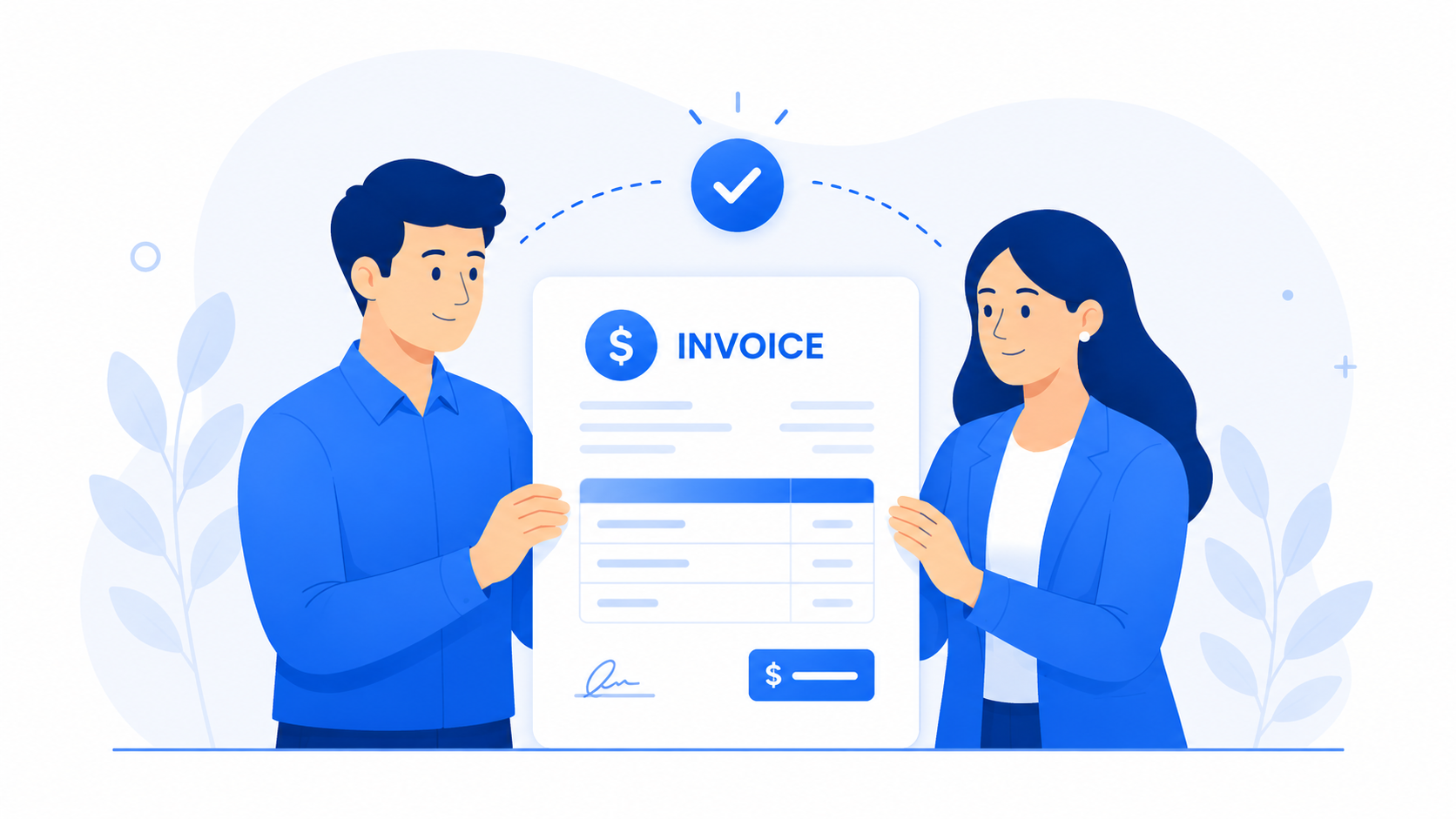
Professional templates
Overtime and Rush Work
Define premium rates in writing: "+50% for weekend work" or "rush delivery fee $500." Invoice premiums as separate line items.
Red Flags to Avoid
- Billing round numbers with no task detail
- Invoicing more hours than discussed without notice
- Mixing fixed and hourly on one invoice without labels
Tools That Help
Track time in your preferred app; export totals into CrispInvoice line items. Auto-fill client details, add tax, download PDF—done in minutes.
Clients rarely argue with hours—they argue with surprises. Communicate when you approach estimate caps.
Hourly work deserves hourly discipline. Build the habit and your effective rate climbs without raising prices.