
Getting Started with CrispInvoice: A Complete Guide
Everything you need to know to create your first invoice in under 5 minutes.
4 min readCrispInvoice Team
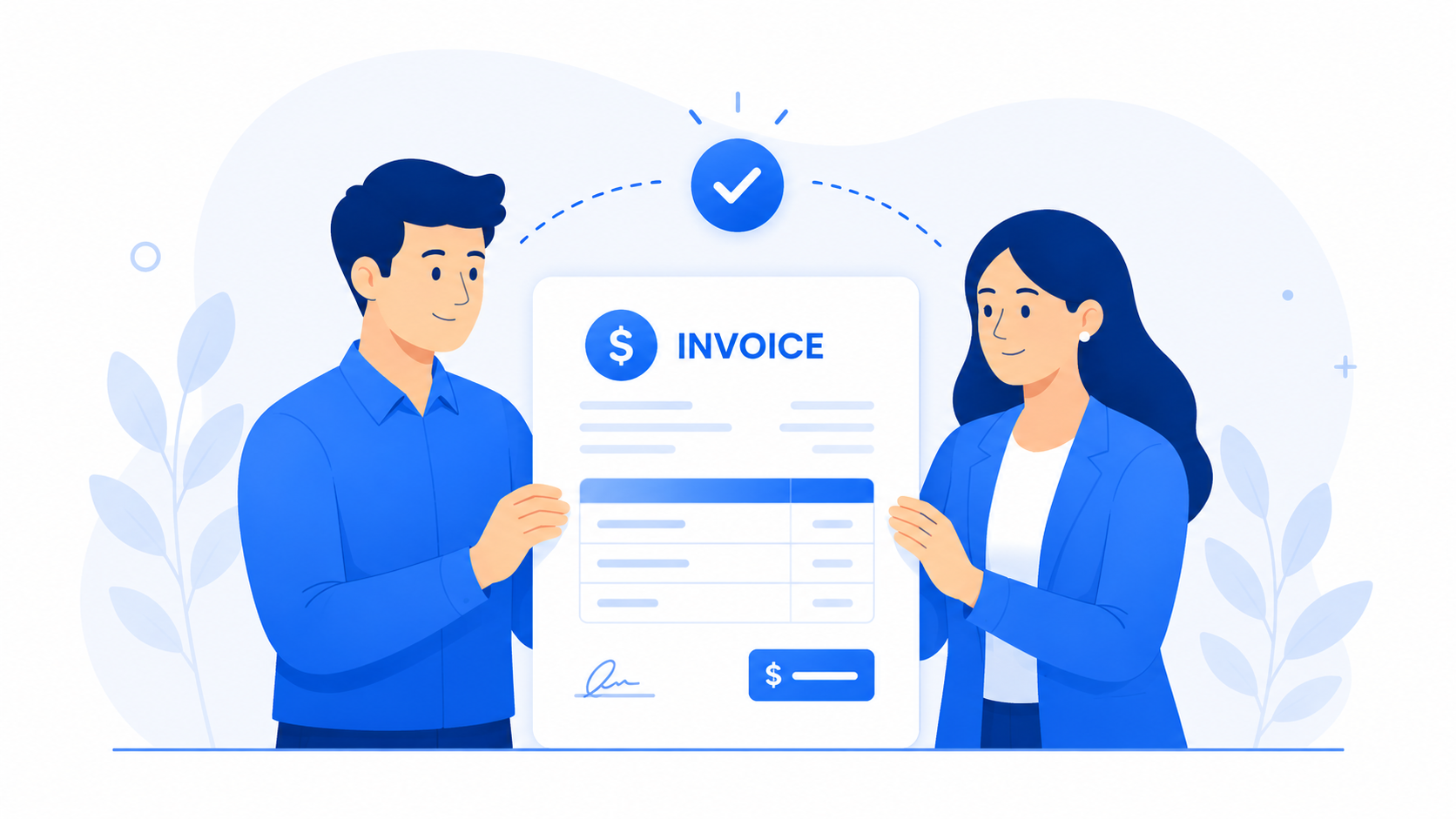
Welcome to CrispInvoice! Here's how to get started:
Step 1: Create an Account
Sign up for free invoicing. No credit card required.
Step 2: Add Your Company
Enter your business details. Add multiple companies if you have more than one business entity.
Step 3: Add Clients
Import or manually add your clients. Their details will auto-fill when you create invoices.
Step 4: Create Your First Invoice
- 1Click "New Invoice"
- 2Select a client
- 3Add line items (description, quantity, rate)
- 4Choose a professional template that fits your brand
- 5Add notes if needed
- 6Save and download as PDF
Step 5: Send and Track
Mark invoices as sent when you email them. Mark as paid when you receive payment.
That's it! You're ready to invoice like a pro.